My Beautiful Faraway: demo and full game
The demo is about 30 minutes. The full game is planned for October 13, 2026, with around 3 hours per playthrough. Its final ending conditions are not yet confirmed.
The My Beautiful Faraway demo is roughly a 30-minute introduction, while the developer estimates about three hours for one full-game playthrough and six or more to discover everything. The demo stops at the bar or beyond the hydraulic water route. Those cutoffs are not the full game's ending list. As checked on October 5, 2026, Steam lists the full game as coming soon for October 13, 2026.
Updated October 5, 2026. Release timing and the full-game scope are developer/store information and may change.
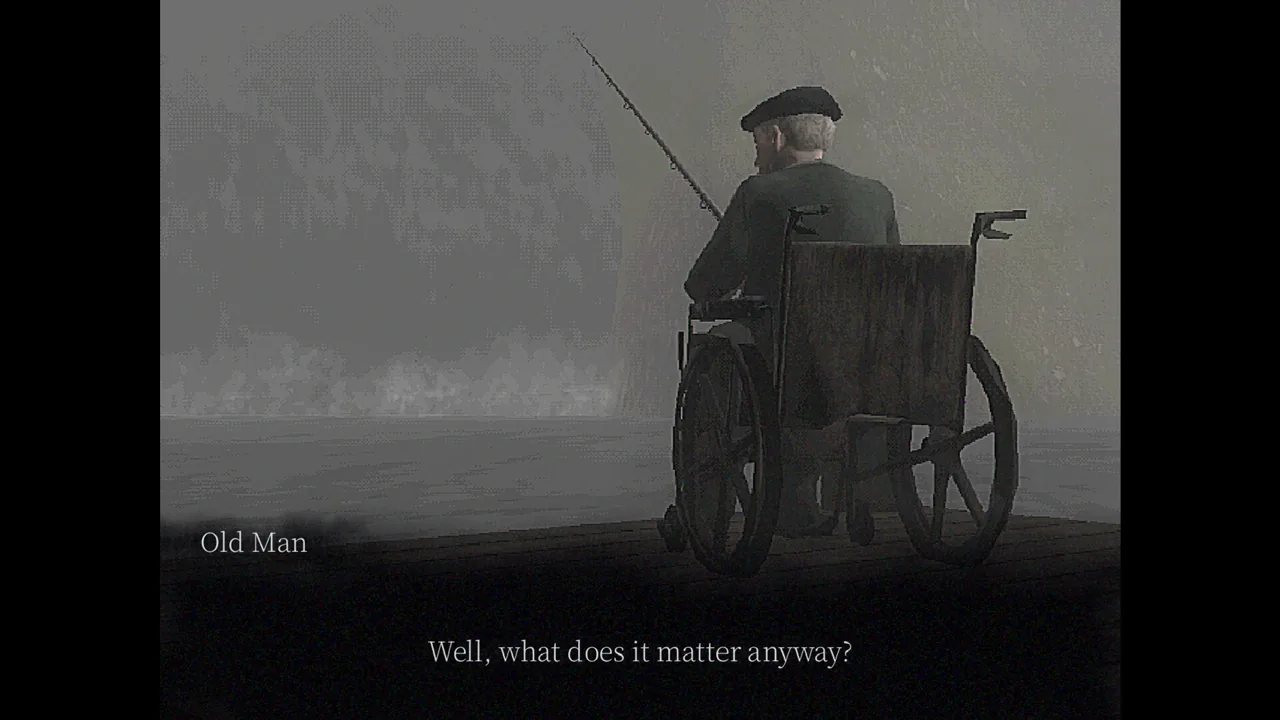
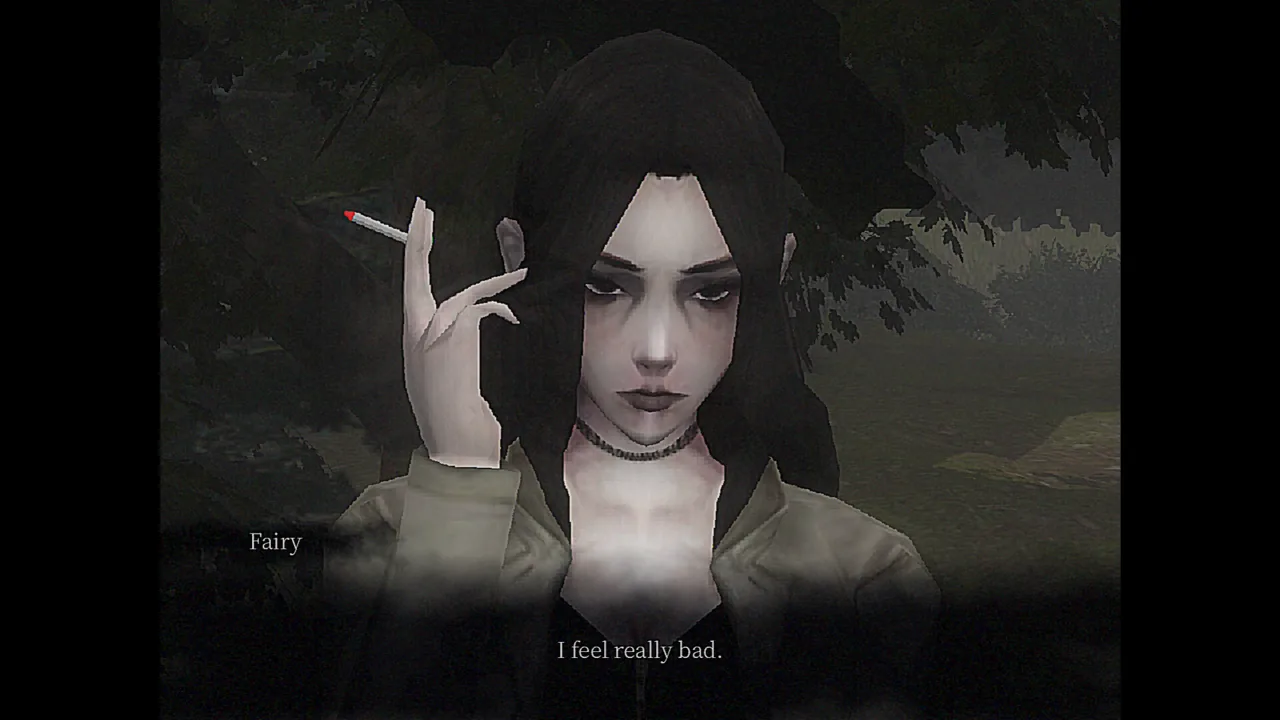
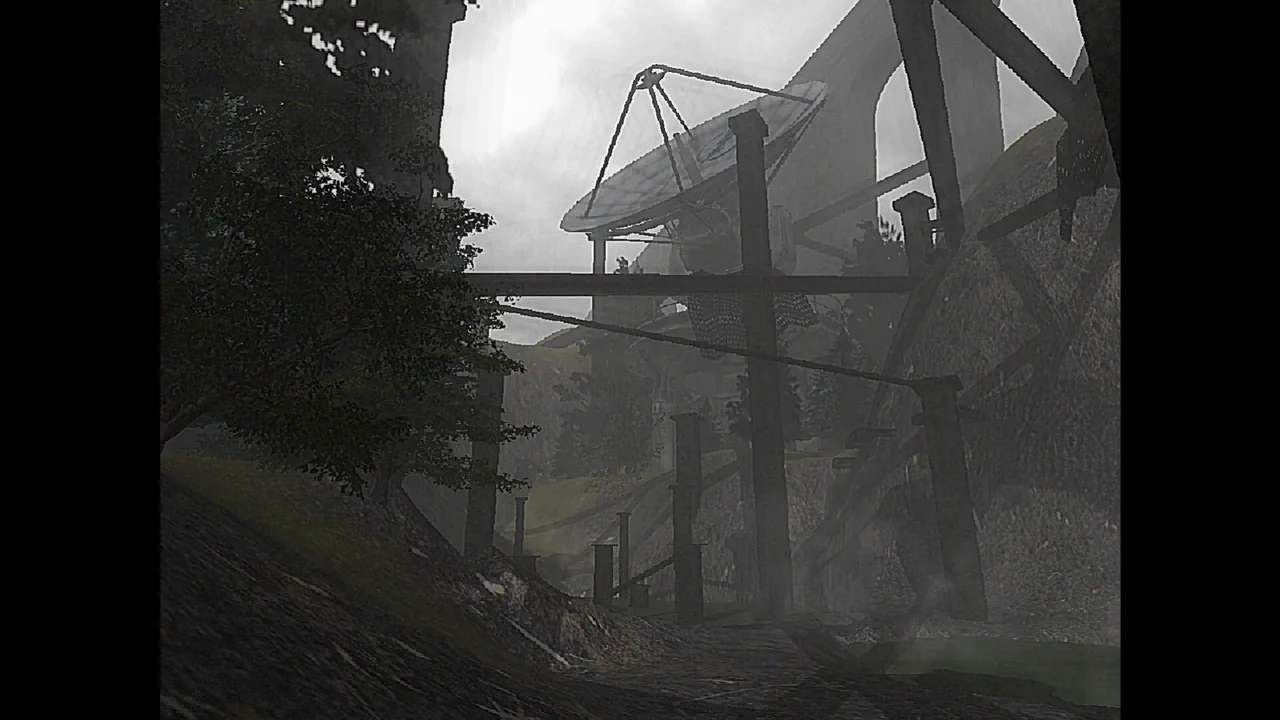
Official Steam store image by 4rch1t3ct. The quiet outdoor encounters are part of the game's exploration-focused structure.
Where to get the demo
Use the official Steam demo listing linked by the developer, or start from the developer's itch.io page. The full-game store listing and the demo have different Steam app IDs. If you are trying to play immediately, check that you are opening the demo rather than expecting the coming-soon full listing to launch.
The developer describes the introduction as a glimpse of the atmosphere, early story and core mechanics. Its length varies with how much you read and how long you search. Thirty minutes is a rough description, not a completion requirement, and the available playthroughs take different amounts of time to reach their cutoffs.
For direct progression help, the demo walkthrough covers the church and reachable outdoor tasks. The guide's scope is deliberately tied to the demo because release-date information is not enough to confirm that a final build preserves every puzzle answer.
Demo and full game compared
| Topic | Available demo | Planned full game |
|---|---|---|
| Length | About 30 minutes according to the developer | About 3 hours for one playthrough; 6+ for everything |
| Progression | Opening church and outdoor encounters | Non-linear progression with multiple endings |
| Characters | Several early encounters shown in demo footage | Seven unique figures advertised |
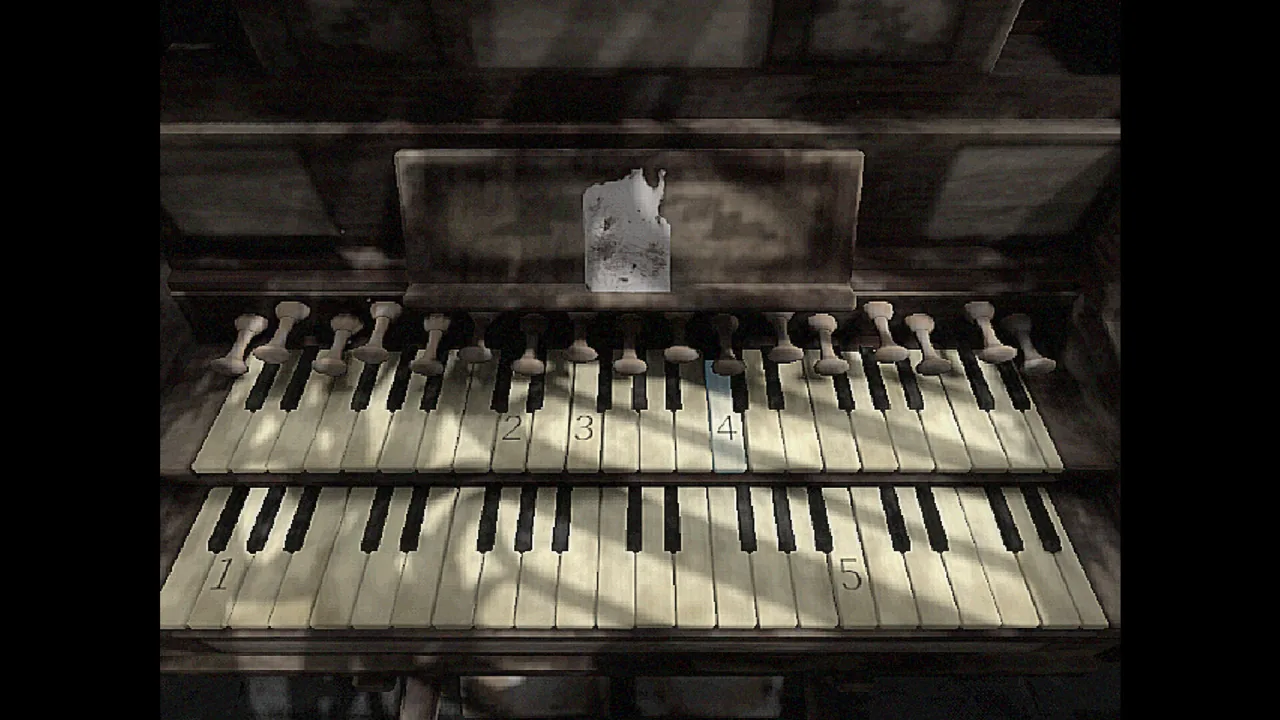
| Puzzles | Organ, belongings search and gas/hydraulic tasks shown | More than ten puzzle mini-games advertised |
| Ending coverage | Bar and water-route demo boundaries | Complete ending conditions not yet verified |
| Availability checked Oct 5 | Public demo | Coming soon on Steam, dated Oct 13, 2026 |
The full-game figures and puzzle count are advertised scope, rather than a verified inventory from a completed release build. Do not subtract the demo's visible encounters from seven and assume that every remainder belongs to a specific route. Likewise, the three-hour estimate does not guarantee how long a player who explores every branch will need.
Can you finish both demo routes?
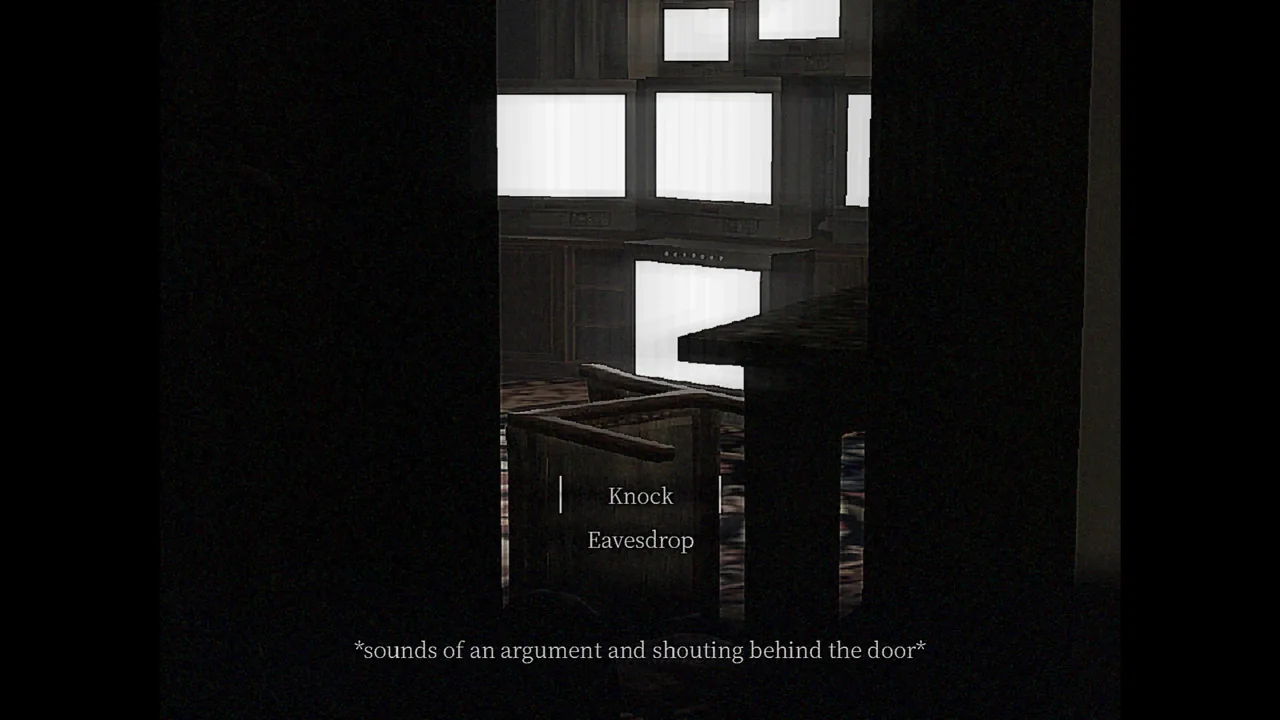
Across the two reference playthroughs, entering the bar and continuing after using the hydraulic valve both reach a stopping point. You can investigate the outdoor tasks before crossing either boundary. However, the footage does not confirm that you can freely return after the cutoff and complete the other branch within the same uninterrupted session.
For an exploration-focused run, finish the forest request, inspect the apartment diagram and obtain the red valve before choosing a final entrance. The exact order of Fairy's forest search and the gas task differs between recordings, so their shared item relationships matter more than one creator's incidental walking order.
These are demo stopping routes, not named good or bad endings. We have not confirmed final-game consequences for the opening choice, Fairy's request, the apartment failure or the locked graveyard. The full release's multiple-ending claim does not supply those conditions by itself.
Why the game uses 4:3
The fixed 4:3 aspect ratio is intentional: the developer lists it as part of the early-2000s-inspired presentation. Black bars on a wider display therefore do not, by themselves, indicate a broken installation. Changing screen mode should not be assumed to unlock a native widescreen view.
The demo's settings shown by PaleMothReviews include screen mode, field of view, camera sensitivity, volume and visual filters. Those are different controls. A field-of-view setting affects the camera view; it does not establish a different output aspect ratio, and a filter changes the presentation rather than the underlying puzzle layout.
If the default effects make small pickups hard to read, inspect the filter options and adjust them to your comfort. ManlyBadassHero notes that he turned filters off for the recording, so your default image can look noisier than his video. Match the scenery and interaction prompts rather than expecting identical contrast.
Notes, inventory and trophies
The demo's journal discussion points to Esc, with inventory on the left and notes on the right. This is how to revisit information after a clue has been added. It is especially useful for the organ song and gas diagram, where closing a text panel halfway through can make it seem that part of the instruction is missing.
PaleMothReviews' settings tour around 40:26 shows a trophies option that is unavailable in that demo. That does not establish the full game's achievement list or how those trophies will map to Steam achievements. Avoid resetting saves or trophies merely to try to reveal a list that the demo does not offer.
The same settings tour shows options to delete save data and reset trophies. Those are reset actions, not ordinary camera adjustments. Read the label carefully if you only want to change filters or look speed; the footage does not establish that a deleted save can be restored through a simple in-game undo.
Windows requirements listed by Steam
Steam's full-game listing gives Windows 10/11 64-bit, 8 GB RAM, a Ryzen 3 3100 or Core i3-10100, and a GTX 1050 or RX 560 as minimum specifications. It lists 2 GB of available storage. The recommended tier raises memory to 16 GB and lists a Ryzen 5 3600 or Core i5-10400 with a GTX 1060 6GB or RX 580.
These are the store's listed requirements, not benchmark results from this guide. We have not measured frame rates, tested Steam Deck compatibility or confirmed a native Linux/macOS build. A game's visual style alone is not a reliable way to infer how well it will run on a specific device.
Official information and useful next steps
Release timing and system requirements come from the full-game Steam listing. Length, fixed 4:3 presentation and planned branching structure come from the developer's page. The demo boundaries and settings tour can be viewed in PaleMothReviews' recording.
If you are ready to play, begin with the church organ solution, or browse all demo guides. Full-game routes will need fresh checking after release; this page does not treat a planned date as proof that the game has already launched.